Best Accounting Software for Freelancers and Solopreneurs
Freelancers need invoicing, expense tracking, and clean exports for tax season — not a full ERP. These are the best options in 2026.

Freelancer reviewing accounting software dashboard
Contents
QuickBooks Solopreneur
General freelance
FreshBooks
Service invoices
Wave
Tight budget
You sell time, not inventory. Software that shines at SKU tracking will slow you down. Freelancer accounting is really about fast invoices, clean expenses, and exports your CPA can use without a cleanup fee. Freelancer accounting is mostly about getting paid, proving expenses, and handing your CPA a clean export in March — not running a warehouse inventory module. Prioritize bank feeds, receipt capture, mileage tracking, and invoicing that matches how clients actually pay. The right tool feels boring on purpose.
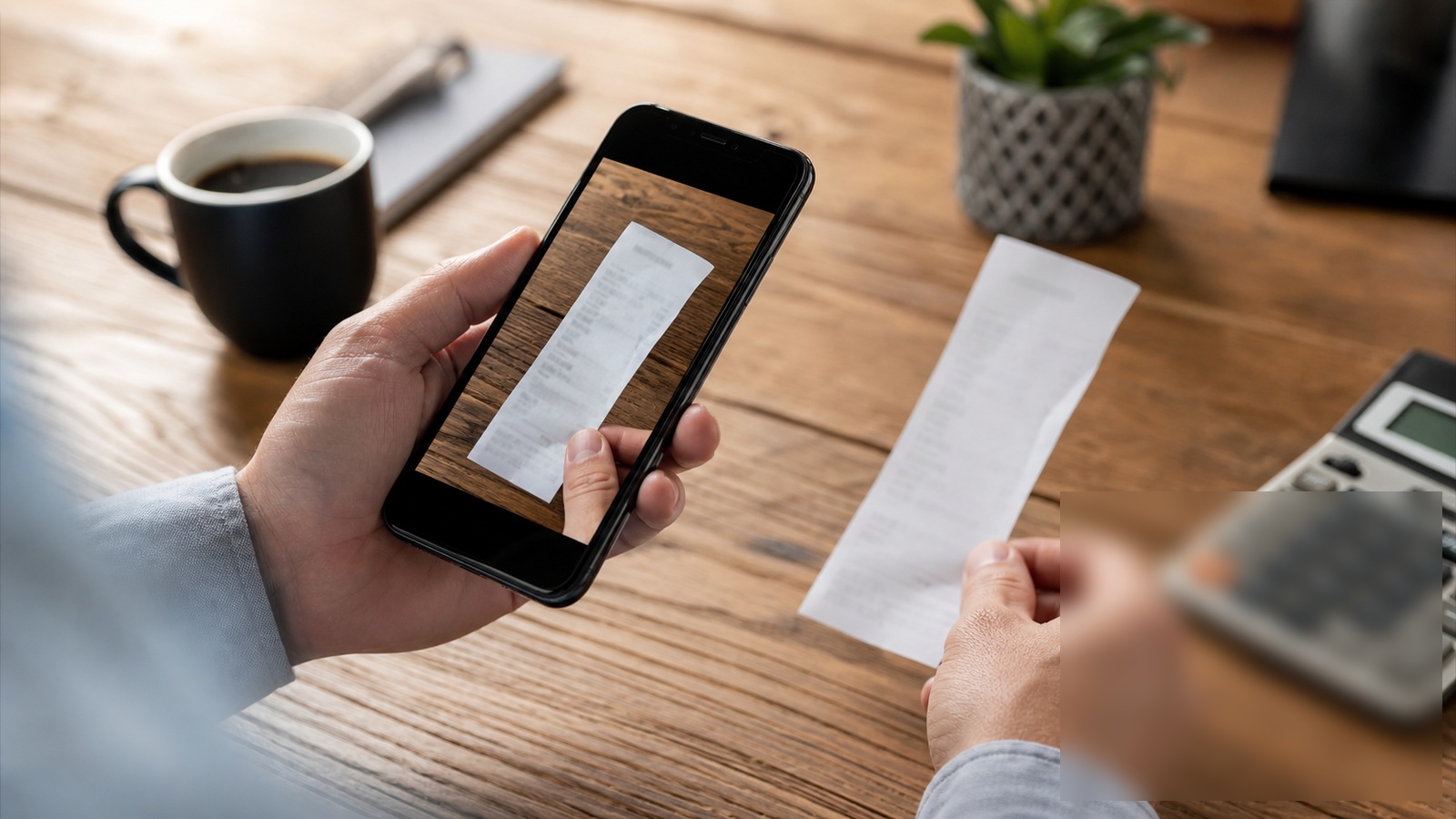
Needs vs nice-to-have
Invoicing, expense capture, mileage, and profit/loss by month cover most solos. Inventory modules and multi-entity consolidation can wait.
If you bill hourly, time-to-invoice integration saves more than fancy dashboards.
Works well when
- Photograph receipts the day you spend, not in April.
- Set aside tax percentage per payment received.
Watch out when
- Use one category list — changing mid-year confuses reports.
- Pay for payroll only when you actually hire — not "just in case."
Habits beat features
Thirty minutes every Friday beats a marathon before filing. Reconcile bank feeds before categories drift.
Send invoices the day work ships — cash flow improves more than any app feature.

What we'd do as a freelancer
Separate business banking, invoice with online pay links, categorize expenses weekly, and export quarterly reports — not once at tax panic hour.
Frequently asked questions
Do I still need an accountant?
Software organizes; professionals help with entity choice, deductions, and audit risk.
Cash or accrual for a solo consultant?
Cash basis is common and simpler when you have no inventory and clients pay on receipt. Switch to accrual if you carry receivables long enough that timing distorts how you see profit.
Should freelancers connect personal and business cards?
Keep a dedicated business account and card when possible. Mixed feeds create cleanup fees and missed deductions — your time is billable too.
Choosing cash versus accrual without overthinking it
Cash basis records income when paid; accrual when earned. Most solo freelancers start cash for simplicity and switch when lenders or partners require accrual statements. Software supports both — pick one method and stick with it for at least a full tax year unless an accountant directs otherwise.
If you invoice net-thirty but spend on delivery immediately, accrual shows margin more accurately; cash may show false spikes when large payments land. Understand which view you are reading before making hiring or equipment decisions.
Discuss method with a CPA before your first six-figure year. State sales tax nexus and multi-state clients complicate bookkeeping faster than any app feature list suggests. Note which accounting method you chose and why — your CPA will ask again at tax time.
Tracking mileage and meals without audit anxiety
IRS scrutiny on vehicle and meal deductions rewards contemporaneous records, not reconstructed spreadsheets in April. Use your app's mileage feature or a dedicated log the moment you leave the driveway — note client, purpose, and odometer if required. Rounding every trip to exactly ten miles reads like fiction; precise, messy logs read like truth.
Separate business meals from social ones at the point of swipe. Tag attendees and deal topic in the memo field while memory is fresh. Entertainment deductions tightened over the years; ordinary business meals still need purpose documented. Your accountant can only defend what you captured when it happened.
Quarterly, reconcile mileage and meal categories against calendar entries. Gaps invite questions; patterns of zeros followed by spikes invite worse. If you work from home most days, understand the simplified home office option versus actual expense method before you claim either. Software reminders beat shoeboxes, but only if you respond when they ping you.
Sources and further reading
Sources
ToolSkillGuide Editorial
Reviewed for accuracy · Updated Jun 16, 2026
Independent research on software and digital skills for US readers. Updated regularly, structured for real decisions.


Up next
Best Project Management Tools for Remote Teams in 2026