Best Project Management Tools for Remote Teams in 2026
Remote teams fail when work is invisible. These project management tools reduce chaos without adding meeting load.

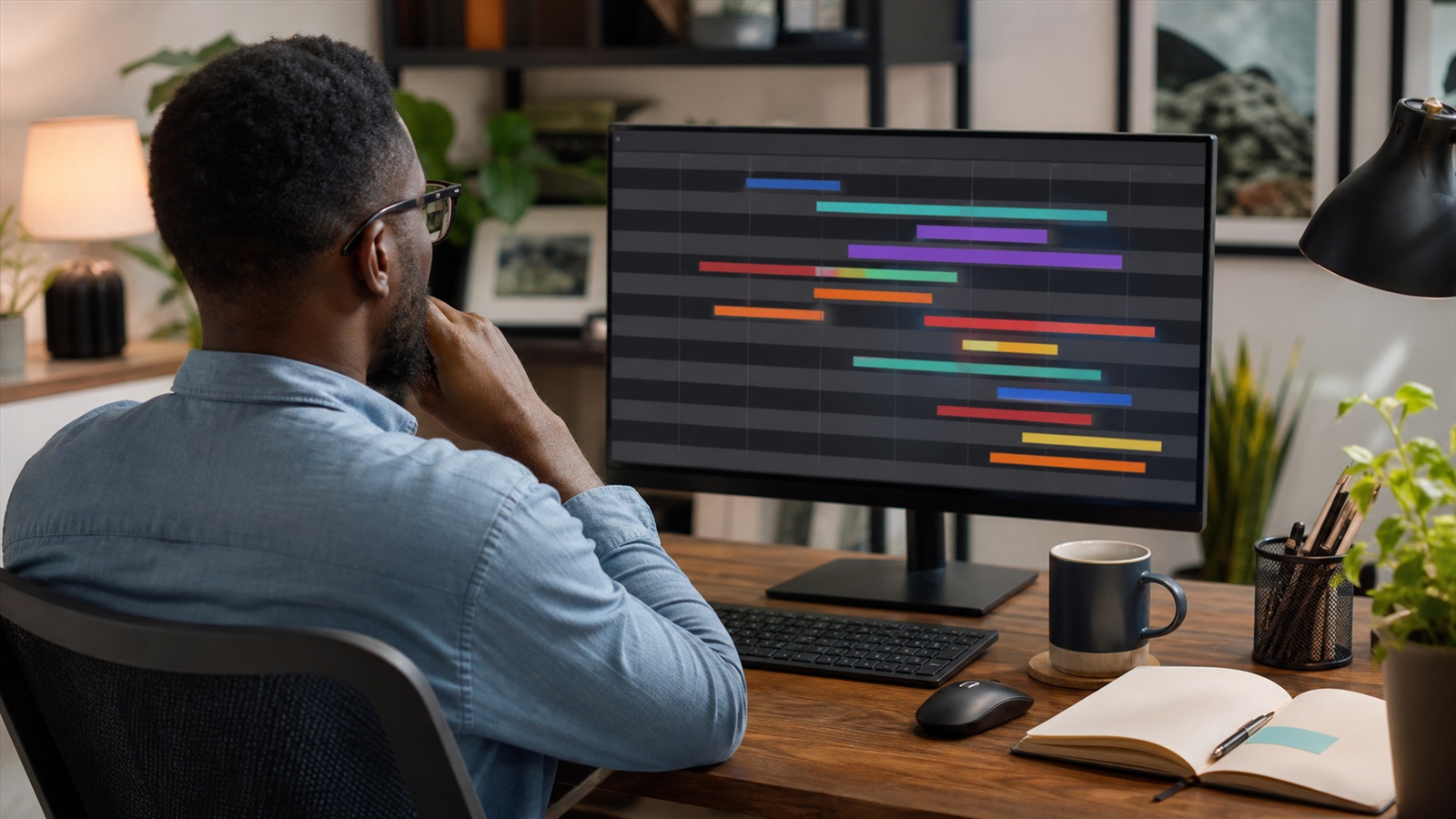
Remote team project board with tasks and deadlines
Contents
If we ran a remote squad of eight
One board, explicit owners, due dates on every task, and async weekly written status replace most standups.
Workshop outline
- Make work visible without surveillance
Statuses like blocked, in review, and done matter more than burndown charts for small teams.
- Async rituals that stick
Written Friday summaries linked to tasks beat hour-long video standups across time zones.
- Pick default views by role
Individual contributors live in "My tasks." Leads live in timeline or calendar. Executives live in a dashboard with blocked items only.
- Async norms that prevent status-meeting addiction
Remote teams default to meetings when work visibility is weak. Replace many standups with written daily updates in one channel: yesterday, today, blockers — three bullets max. Project management tools should mirror that cadence with task comments tied to deliverables, not separate chat threads nobody searches later.
- Scope control when everyone works from home
Home offices blur boundaries; stakeholders add "small asks" that accumulate. Every request gets a visible task or it does not exist. PM software is your polite fence: "Happy to — which milestone should slip?" Written trade-offs beat silent heroics.
- Handoffs that work when your team spans US time zones
Async handoffs beat synchronous standups when coast-to-coast lag is measured in hours. End each work session with a three-line update: done, next, blocked — stored in the task, not buried in chat. The next timezone should continue without a meeting to reinterpret what "almost done" meant.

Make work visible without surveillance
Statuses like blocked, in review, and done matter more than burndown charts for small teams.
Managers should read boards instead of pinging individuals — culture follows tooling.
Team playbook
- Title tasks as verbs: "Ship pricing page" not "Pricing."
- Turn off notifications except mentions and due dates.
- Archive done projects quarterly so search stays useful.
- Integrate chat to link discussions back to tasks.
Questions teams ask us
Kanban or Gantt?
Kanban for ongoing ops; timeline when hard dependencies and fixed launch dates dominate.
Too many tools?
If chat, docs, and PM all store tasks, pick one source of truth and link the others.
Kanban or sprints for a mixed remote team?
Kanban fits ongoing client work; sprints fit product teams with predictable two-week chunks. Hybrid teams often run Kanban with a weekly planning cadence instead of rigid sprint commitments.
How many tools should connect to our PM app?
Start with chat and docs — not every SaaS in the company. Too many integrations create notification noise that remote workers learn to ignore.
Async norms that prevent status-meeting addiction
Remote teams default to meetings when work visibility is weak. Replace many standups with written daily updates in one channel: yesterday, today, blockers — three bullets max. Project management tools should mirror that cadence with task comments tied to deliverables, not separate chat threads nobody searches later.
Define response-time expectations by urgency tier. Not everything needs a Slack ping within minutes. Document which issues warrant a call versus an end-of-day comment. Clear tiers reduce burnout and timezone friction.
Record decisions in the tool, not just video calls. Link meeting notes to tasks they affect. Future you — and new hires — should reconstruct why scope changed without watching hour-long recordings.
Scope control when everyone works from home
Home offices blur boundaries; stakeholders add "small asks" that accumulate. Every request gets a visible task or it does not exist. PM software is your polite fence: "Happy to — which milestone should slip?" Written trade-offs beat silent heroics.
Use work-in-progress limits per person, not only per sprint. Remote visibility makes overload obvious when columns are honest. Managers intervene when someone owns twelve active items — a signal planning failed upstream.
Retrospectives monthly, blameless, fifteen minutes. Remote dysfunction hides until delivery slips. Fix process before buying another integration. Track retro action-item closure alongside sprint completion — both numbers should move together.
Handoffs that work when your team spans US time zones
Async handoffs beat synchronous standups when coast-to-coast lag is measured in hours. End each work session with a three-line update: done, next, blocked — stored in the task, not buried in chat. The next timezone should continue without a meeting to reinterpret what "almost done" meant.
Define overlap windows for live decisions only — design reviews, incident response, client calls. Outside those windows, default to documented decisions in the PM tool so nobody waits on a Slack emoji from someone asleep. Rotate meeting times monthly so the same region is not always sacrificing evenings.
Use due dates with time zone awareness and explicit "needs response by" fields for approvals. Ambiguous midnight deadlines create silent slips. When a blocker sits more than one business day, escalate to a named owner rather than tagging the whole channel. Remote velocity is a routing problem disguised as a motivation problem.
Sources and further reading
Sources
ToolSkillGuide Editorial
Reviewed for accuracy · Updated Jun 16, 2026
Independent research on software and digital skills for US readers. Updated regularly, structured for real decisions.


Up next
Best Invoicing Software for Small Business (2026 Comparison)