Best Invoicing Software for Small Business (2026 Comparison)
Cash flow starts with invoices clients actually pay. Here are the best invoicing tools for US small businesses in 2026.

Digital invoice being sent from invoicing software
Contents
Editorial memo
Use numbered invoices, automated reminders, card/ACH acceptance, and automatic sync to accounting when volume exceeds a few bills per week.
Design for getting paid
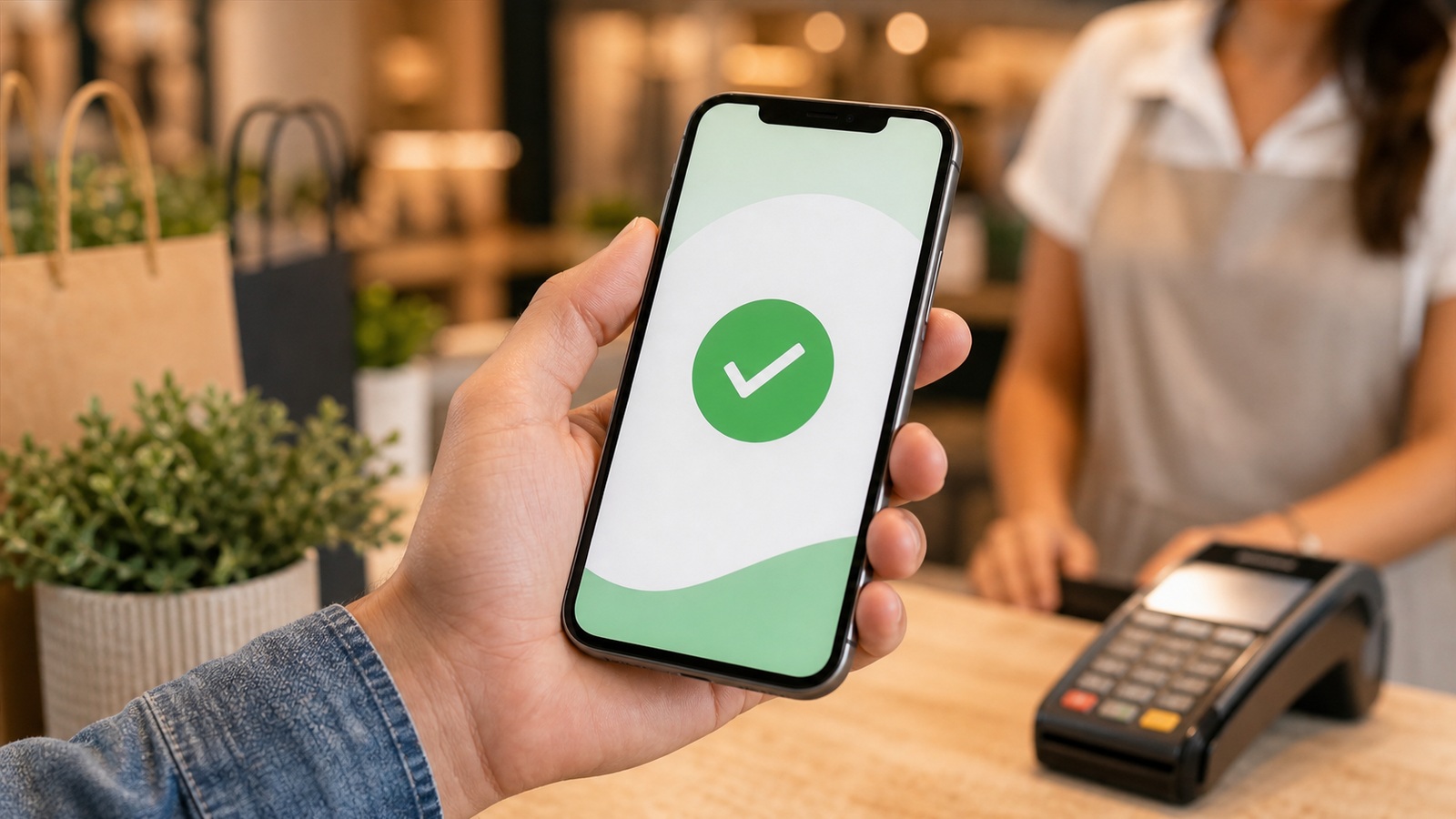
Mobile-friendly pay links matter for small clients who approve on phones. PDF-only workflows add friction.
Late fees and early-pay discounts should be stated upfront — not invented after delay.
How options rank for most readers
- QuickBooks — Full books integration (From $30/mo)
- Zoho Invoice — Standalone billing (Free–$20/mo)
- FreshBooks — Service businesses (From $19/mo)
- Stripe Invoicing — Online sellers (Per transaction)
Payment terms that improve cash flow without alienating clients
Net-thirty is a habit, not a law. Freelancers and small agencies often improve cash flow with net-fifteen, deposits on new clients, or milestone billing on projects over a set threshold. Invoicing software makes varied terms easy only if your contracts match what the system sends — mismatched PDF contracts and automated reminders confuse accounts payable.
Offer early-pay discounts sparingly; they train clients to wait for deals. Late fees work when stated upfront and applied consistently. Automated reminders at seven, fourteen, and twenty-eight days reduce awkward personal nudges while keeping relationships professional.
Track days sales outstanding monthly. If average collection stretches beyond terms, fix onboarding — clearer PO requirements, correct billing contacts — before blaming software. Assign one AR owner to chase overdue invoices and calendar a weekly fifteen-minute review.

Action items
- Match line items to contract scope to reduce disputes.
- Send reminders before personal escalation.
- Review recurring retainers quarterly for scope creep.
- Keep tax settings updated when you cross state thresholds.
Frequently asked questions
Are card fees worth it?
Often yes — faster cash and fewer "check is in the mail" threads.
Should small businesses accept credit cards on invoices?
Usually yes — speed often outweighs processing fees. Build fees into pricing if margins are tight, but do not make clients hunt for a checkbook in 2026.
What belongs on every US business invoice?
Your legal business name, contact info, invoice number, date, line items, total, payment terms, and tax IDs where required. Missing basics delay AP teams and look amateur.
Late fees and reminders that get paid without burning bridges
State payment terms on every invoice and in your master service agreement — net fifteen, net thirty, or due on receipt. US clients respond to clarity more than aggression. Configure automated reminders at three days before due, day of, and seven days after; manual awkward emails should be the exception for strategic accounts.
Late fees must be legal in your state and disclosed upfront to stick. Flat fees or modest monthly interest percentages work better than surprise punitive charges that trigger disputes. Apply fees consistently — waiving them for friends but not strangers invites resentment and weakens enforcement.
Offer frictionless partial payments or payment plans for loyal clients who hit a rough month. A structured plan beats write-offs and preserves relationships. Track aging reports weekly; the invoice you hesitate to chase at thirty days becomes the nightmare at ninety. Software dashboards exist to surface that shame early.
Sources and further reading
Sources
ToolSkillGuide Editorial
Reviewed for accuracy · Updated Jun 16, 2026
Independent research on software and digital skills for US readers. Updated regularly, structured for real decisions.



Up next
AI Helpdesk Software: What Small Teams Should Know in 2026