Best Automation Tools for Small Teams in 2026
Small teams win by automating handoffs between apps — not by building custom software on day one.

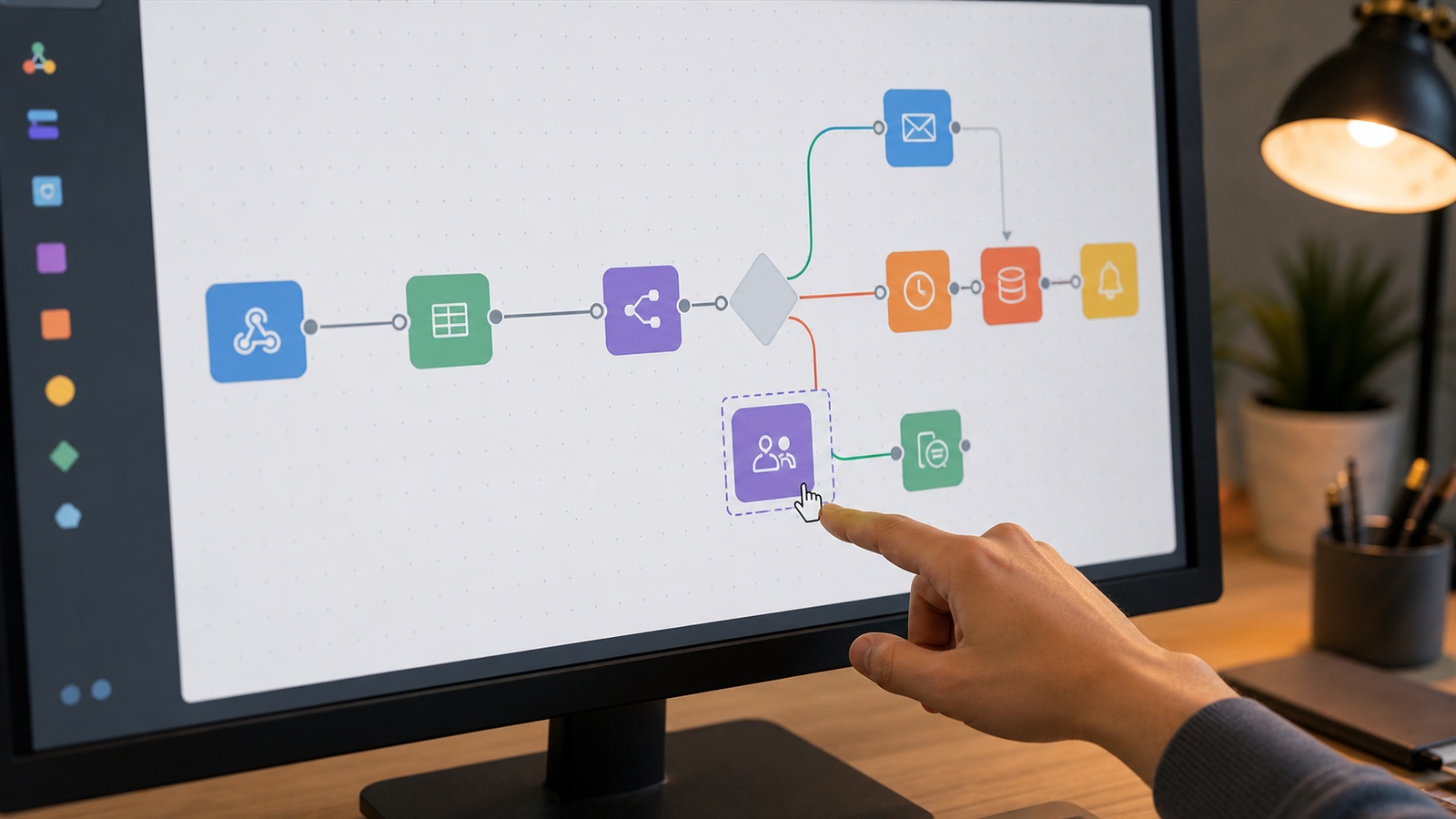
Automation workflow connecting business apps
Contents
Someone copies form submissions into a spreadsheet every morning, then Slack messages three people. That fifteen-minute ritual costs seventy-five minutes weekly and breaks on vacation. Automation exists so handoffs happen while humans sleep. Automation for small teams should fail loudly, log clearly, and pause for human approval on anything involving money or customer messages. Start with one brittle manual copy-paste you perform weekly — not a company-wide transformation roadmap.
Choose your path
Zapier
Best for: Ease first
Typical cost: Free–$70/mo
7000+ apps
Make
Best for: Visual power
Typical cost: Free–$50/mo
Operations
n8n
Best for: Self-host
Typical cost: Free–$20/mo
Developer friendly
Power Automate
Best for: Microsoft
Typical cost: Per user
365 native
Platform personalities
Zapier: largest catalog, gentle curve, higher volume cost. Make: visual, price-performance. n8n: technical control. Power Automate: M365 depth.
Patterns that stick
Form to CRM to Slack. Invoice paid to thank-you email. Start with read-only notifications before write actions on customer records.

How options rank for most readers
- Zapier — Ease first (Free–$70/mo)
- Make — Visual power (Free–$50/mo)
- n8n — Self-host (Free–$20/mo)
- Power Automate — Microsoft (Per user)
Frequently asked questions
Need a developer?
Not for common SaaS glue. Complex API work may need help.
What breaks automations?
API changes, expired tokens, renamed fields. Monitor error emails.
How many automations should a ten-person team run?
Quality beats quantity — five reliable flows beat thirty flaky ones. Review quarterly and delete unused zaps that still hold expired OAuth tokens.
iPaaS or native integrations first?
Use native integrations when stable; reach for iPaaS when connecting niche tools or adding conditional logic. Every hop is another failure point — minimize hops.
Human approval gates worth keeping
Automate data movement; gate money movement and mass email. Approval steps for refunds over threshold, bulk customer messages, and contract generation prevent reputation damage automation amplifies. Walk through refund approval flows on a phone before enabling customer-facing automation.
Document override procedure when approvers are unavailable — secondary approver, delayed queue, not bypass shared passwords. Back up automation maps before merging CRMs — one bad field mapping can spam every contact.
Review automation ROI annually. Labor saved should exceed maintenance plus incident cleanup; otherwise simplify back to manual with checklists. Audit the automation registry quarterly and delete unused flows before upgrading to a higher tier.
Monitoring zaps and webhooks before silent failures pile up
Automations break when APIs change, passwords expire, or someone renames a spreadsheet column. Enable error emails and weekly digest summaries in Zapier, Make, or your platform equivalent — silence is the enemy. Assign a human to scan logs every Monday even when nothing failed; habits prevent panic when something does.
Build idempotency into money-adjacent flows — duplicate invoice creation is worse than duplicate Slack posts. Use lookup steps to see if a record exists before create actions. Test edge cases: empty fields, duplicate submissions, after-hours triggers spanning US time zones.
Document each automation with owner, purpose, and kill switch location. When the person who built it leaves, orphaned zaps become mystery failures. Version renames in shared folders so rollback means disabling v2, not archaeology.
Sources and further reading
Sources
ToolSkillGuide Editorial
Reviewed for accuracy · Updated Jun 16, 2026
Independent research on software and digital skills for US readers. Updated regularly, structured for real decisions.



Up next
Notion vs Alternatives: Which Workspace Fits Your Team?