Best Task Management Apps for Busy Professionals in 2026
Your task app should be faster than a sticky note — or you will stop using it by week three.
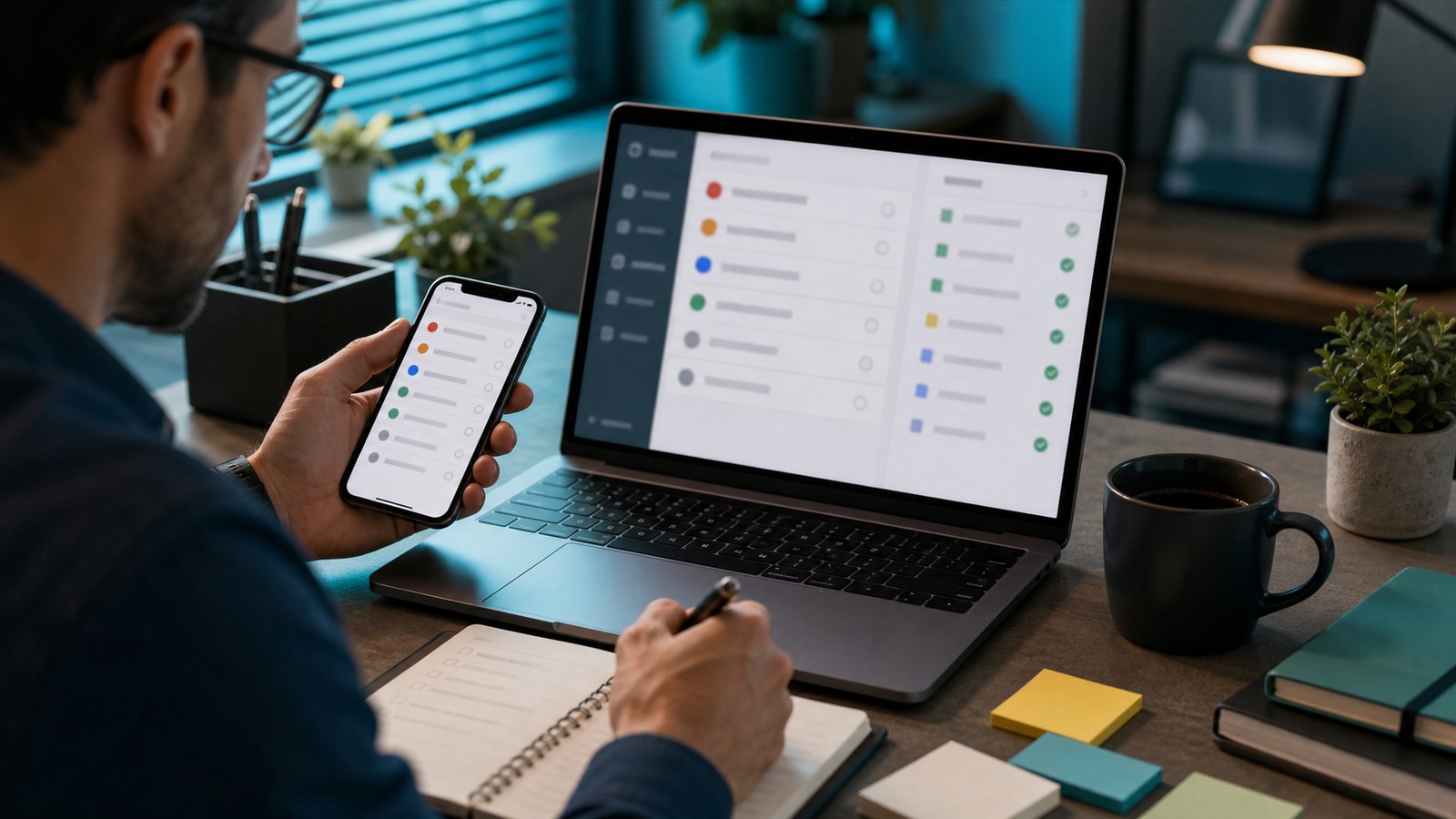
Task management app with prioritized daily list
Contents
In-depth guide
If capturing a task takes longer than writing on your hand, the app loses. Task managers must be faster than sticky notes and visible across phone and laptop. Task apps succeed when they match how you already work — email-heavy, meeting-heavy, or deep-focus maker schedules — not when they demand a productivity religion change. Busy professionals need capture speed, sensible reminders, and weekly review views more than infinite custom fields.
Capture speed wins
Natural language dates, quick-add, email-to-task, and voice capture on mobile separate apps you keep from apps you abandon. Test capture on your phone during a real commute before configuring project hierarchies, labels, or filters. If adding a task takes more than five seconds, you will revert to notes apps and lose the benefit of reminders.
Email-to-task and browser extensions matter for knowledge workers who live in Gmail and Slack. Todoist and TickTick handle these well; Things focuses on manual capture with polish. Match the tool to where work actually arrives, not where you wish it arrived.
Systems not guilt
GTD, Ivy Lee, or today-three — any framework works if you run a weekly review. Apps surface prioritization avoidance; they do not fix it. Pick one system, write it on an index card, and ignore productivity influencers selling complexity.
Overdue tasks erode trust in the app. Bulk reschedule or delete during review instead of letting red badges accumulate. A clean today list beats a historical archive of shame.
Evaluation rubric
| Option | Best for | Price | Editor score |
|---|---|---|---|
| Todoist | Cross-platform | Free–$6/mo | 9.2/10 |
| Things | Apple | $50 one-time | 8.8/10 |
| TickTick | Habits | Free–$4/mo | 8.5/10 |
| Microsoft To Do | Microsoft | Free | 8.1/10 |
Daily driver
Todoist for most; Things for Apple-only; TickTick for habits; Microsoft To Do free in Microsoft ecosystems — pick capture speed over feature depth.
Before you buy
- One inbox — process daily.
- Three priority tasks max per day.
- Date tasks only when truly due.
- Weekly review clears stale items.
Frequently asked questions
Todoist vs Things?
Todoist cross-platform; Things solo Apple design focus.
Too many overdue?
Bulk reschedule or delete in weekly review.
Paper still valid?
Yes for brainstorming; digital wins for reminders.
Calendar sync?
TickTick and Todoist offer two-way options — verify settings.
One app for team and personal tasks?
Separation reduces noise for many executives — work board for delegation, personal app for errands. Integrations can bridge if you hate two systems.
Due dates or priority flags?
Due dates for hard external deadlines; priority for discretionary work. Mixing everything as high priority recreates chaos with prettier colors.
Choosing views your team will not abandon
Kanban boards suit support and creative review; list views suit individuals with many small tasks. Imposing one view company-wide breeds shadow tools in spreadsheets. Let teams pick within guardrails — required fields, due dates, assignees — not identical layouts.
Limit custom fields to what reports need. Every optional field not filled breaks filters and training. Quarterly field audit removes vanity metadata. Trim custom task fields after a month of real use — empty columns break filters fast.
Mobile experience matters for field staff and executives between meetings. Desktop-only polish loses adoption where work actually happens. Survey field staff on mobile task completion rates before renewing desktop-first PM licenses.
Reporting that reflects reality, not theater
Completed task counts inflate when people split work into microtasks. Measure outcomes — shipped features, closed tickets, delivered milestones — linked to parent projects. Dashboards should answer whether we are on track for date X, not whether someone clicked complete forty times.
Burndown charts lie when scope creeps silently. Change logs on project scope should be visible alongside velocity. Honest delay beats green charts until deadline disaster. Have a field employee complete a task update from their phone before declaring rollout done.
Integrate task status with customer communication where relevant. Clients care about delivery dates, not your internal column names. Export the task board CSV before bulk-importing legacy projects from a spreadsheet.
Weekly reviews that keep task lists honest
Unreviewed task apps become guilt warehouses. Block thirty minutes Fridays to close completed items, reschedule realistics, and delete fantasies you will never do. Zero inbox for tasks beats aspirational backlog counts that haunt Sunday nights.
Sort next week by outcome, not urgency alone — three priorities visible, everything else hidden or deferred. US professionals drown in reactive pings; weekly review is how strategic work survives. Pair the ritual with calendar so it is not optional when weeks get loud.
Share a team snippet of top three priorities Monday mornings if you manage others. Alignment reduces duplicate tasks and surprise fire drills. Personal apps differ, but the review habit transfers across tools — switch software less, discipline more.
Sources and further reading
Sources
ToolSkillGuide Editorial
Reviewed for accuracy · Updated Jun 16, 2026
Independent research on software and digital skills for US readers. Updated regularly, structured for real decisions.