Best Scheduling Tools for Consultants and Sales Teams (2026)
Scheduling friction costs deals and billable hours. These tools cut email ping-pong while looking professional.

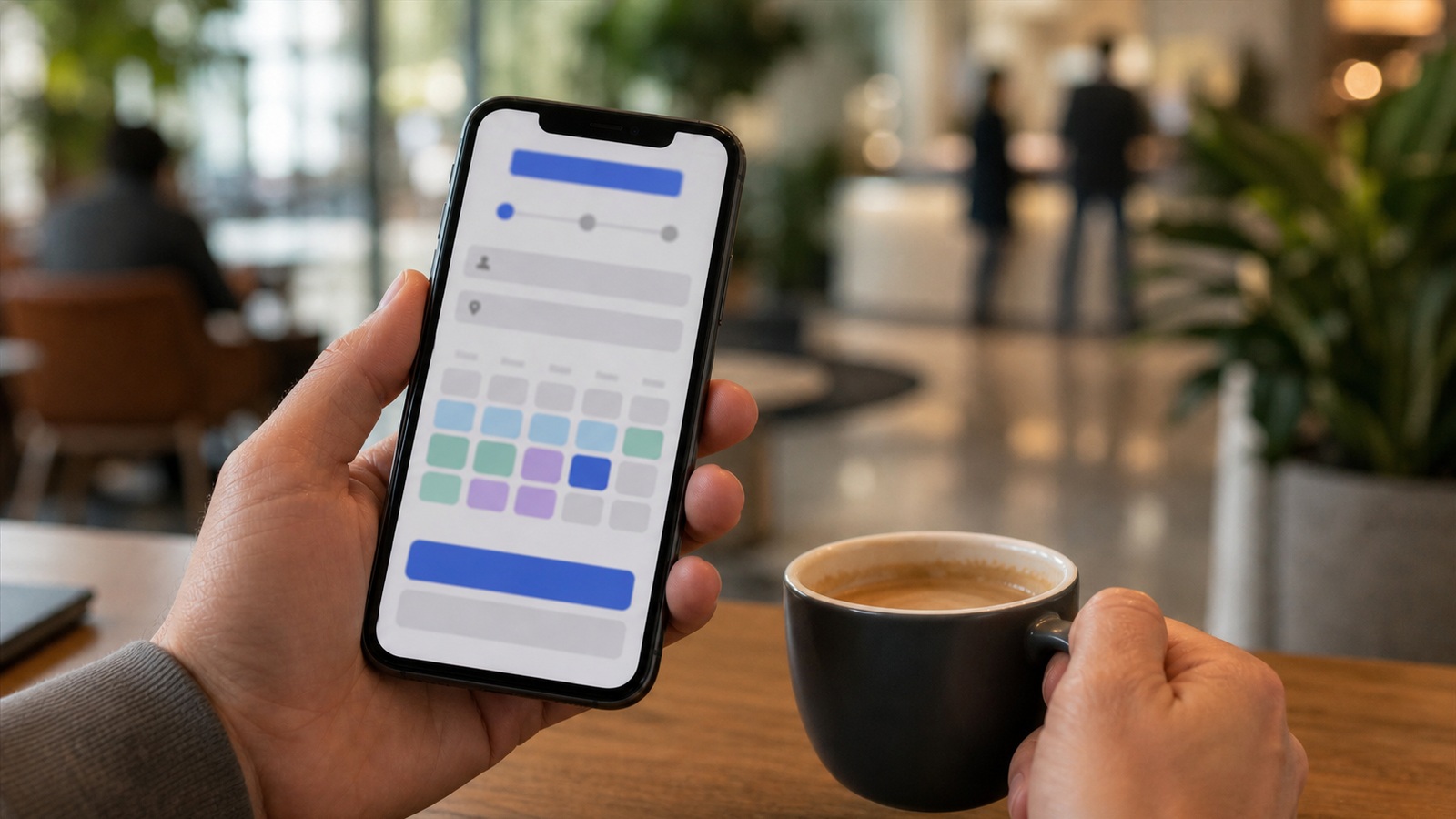
Online scheduling calendar booking interface
Contents
"Does Tuesday work?" Scheduling ping-pong burns billable hours. Booking links turn availability self-serve — if buffers, time zones, and routing are configured before the link hits your signature. Scheduling tools should reduce email tennis, enforce buffers, and collect intake answers before the meeting — not just display pretty calendars. Consultants and sales teams live on show rates; compare reminder sequences, payment collection, and CRM sync before picking branding colors.
What consultants need
Multiple event types, payment collection, CRM write-back, minimum notice, team collective availability for panel calls.
How options rank for most readers
- Calendly — General (Free–$16/mo)
- Cal.com — Open source (Free–$15/mo)
- SavvyCal — Sales fairness (From $12/mo)
- MS Bookings — Microsoft 365 (Included)
Calendar etiquette
Cap meetings per day. Intake questions filter bad fits. Auto-decline double bookings across synced calendars.
Key lessons
- Buffer time between meetings.
- Round-robin for sales teams.
- Embed links in signatures and proposals.
- Confirm time zones for international clients.
Frequently asked questions
Free tier enough?
Solo often yes. Teams need paid for routing and branding.
Reduce no-shows?
Reminders, SMS, deposits for paid sessions, clear reschedule links.
Round-robin or individual links for sales teams?
Round-robin balances lead flow; individual links build personal brands for senior reps. Hybrid teams often use round-robin for inbound and personal links for outbound campaigns.
How many reminders reduce no-shows?
Email twenty-four hours and SMS two hours before is a common US pattern. More than three touches feels nagging unless high ticket size justifies it.
Team scheduling without calendar wars
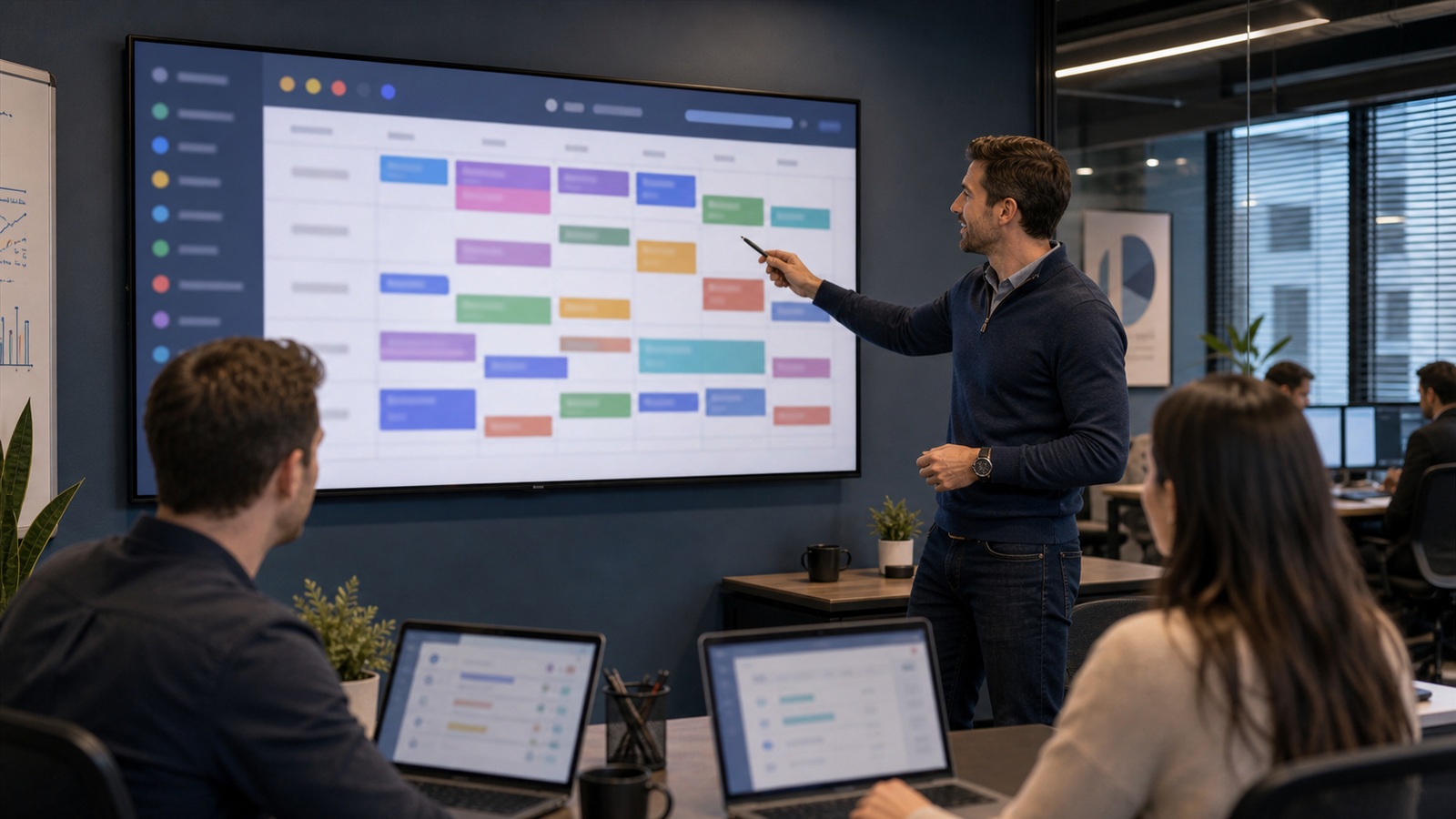
Round-robin and collective availability only work when individual calendars stay current. Mandate connected calendars or manual block updates — stale availability double-books and burns trust. Save prior calendar routing rules before enabling team round-robin across all locations.
Define who owns schedule exceptions — holidays, on-call, training days — in one admin view. Fragmented overrides confuse customers booking online. Reconcile scheduling buffers when service mix changes — back-to-back defaults fail for hybrid visits.
Integrate with video conferencing automatically; manual link paste fails under mobile bookings. Test mobile flow monthly from a personal phone, not only desktop admin. Note calendar sync rules in the admin guide so round-robin booking survives staff turnover.
Intake forms that make meetings start with context
Ask three to five high-value questions on the booking page — budget range, decision timeline, problem summary — not a twenty-field survey nobody completes. Required fields should filter bad fits early; optional fields invite thoughtful prospects to share more. Route answers into CRM or calendar description automatically.
Use conditional logic sparingly so mobile booking stays fast. US buyers abandon forms that feel like job applications for a fifteen-minute intro call. Review submission quality monthly and tighten questions that never produce useful prep.
Share intake answers with note-taking templates so hosts skim in thirty seconds pre-call. Clients notice when you remember details they typed once. Good intake reduces duplicate discovery and increases close rates without lengthening meetings.
Sources and further reading
Sources
ToolSkillGuide Editorial
Reviewed for accuracy · Updated Jun 16, 2026
Independent research on software and digital skills for US readers. Updated regularly, structured for real decisions.



Up next
Best Task Management Apps for Busy Professionals in 2026