Best Password Managers for Individuals and Teams (2026)
Password reuse remains the easiest breach path. A good manager pays for itself after one avoided incident.

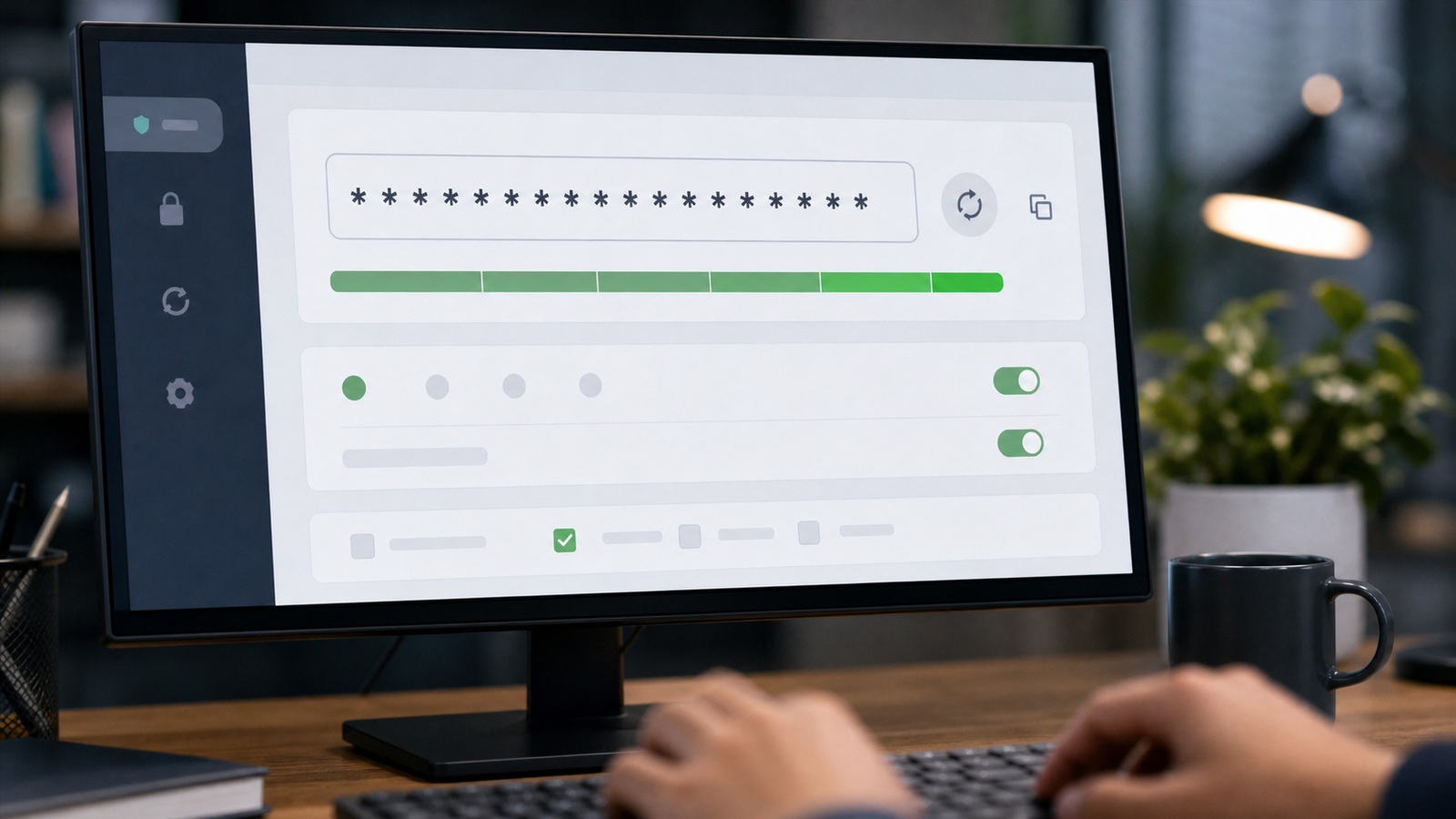
Password manager vault interface on phone and laptop
Contents
Seventy-three reused passwords across work and personal life — that was one founder honest inventory during a security audit. Password managers turn that chaos into one strong master secret and unique twenty-character strings everywhere else. Password managers pay off the first time you rotate credentials after a vendor breach without resetting the same memorable password everywhere. Compare family plans, shared vaults for contractors, and emergency access before you optimize for marginal monthly savings.
How options rank for most readers
- Bitwarden — Budget teams (Free–$4/user)
- 1Password — Polished UX (From $3/user)
- Dashlane — All-in-one (From $5/user)
- KeePass — Self-host (Free)
Individuals vs teams
Individuals need autofill reliability across devices. Teams need admin consoles, group vaults, offboarding workflows, and audit logs when someone leaves.

Works well when
- Generate unique passwords — length beats clever symbols.
- Store two-factor recovery codes inside the vault.
Watch out when
- Use separate work and personal vaults or accounts.
- Require MFA on the manager itself — it holds the keys.
Choose your path
Bitwarden
Best for: Budget teams
Typical cost: Free–$4/user
Open source
1Password
Best for: Polished UX
Typical cost: From $3/user
Travel mode
Dashlane
Best for: All-in-one
Typical cost: From $5/user
VPN bundle
KeePass
Best for: Self-host
Typical cost: Free
Local control
Frequently asked questions
Are cloud vaults safe?
Reputable managers encrypt client-side. Security depends on master password strength and device hygiene.
Shared team passwords?
Use group vaults with role permissions. Never Slack passwords. Rotate on offboarding.
Business or family plan for a five-person company?
Business tiers add admin controls, activity logs, and offboarding — worth the premium once contractors touch production systems. Family plans work for tight-knit teams with high trust and low turnover.
What if employees resist installing another app?
Browser extensions and mobile apps reduce friction. Lead with time saved on resets and shared logins — resistance drops after the first painless onboarding week.
Migrating passwords without losing a workday
Export from browsers and spreadsheets into the manager over a planned weekend, not mid-incident. Import, dedupe, delete exports from Downloads, and disable browser save prompts team-wide. Half migrations leave secrets in two places — worse than one messy vault.
Enable two-factor on the manager itself using an authenticator app, not SMS when avoidable. Store recovery codes offline in a safe or sealed envelope. Store vault recovery steps where a designated colleague can find them during offboarding week.
Run a login test Monday morning on critical systems before announcing success. Payroll and banking logins fail silently until due dates approach. Audit shared vault permissions thirty days later and revoke access anyone no longer needs.
Shared vaults for contractors without sharing passwords in chat
Contractors and agencies should never receive credentials via Slack or email attachments. Create role-based shared vaults with access limited to the systems they need — ads manager, CMS, analytics — and set expiration dates on shares. When the project ends, revoke access in one click instead of hunting passwords you forgot you gave them.
Use item notes for rotation history and which MFA device owns the account. US teams juggle multiple authenticator apps; documenting where codes live prevents lockouts when someone travels. Require contractors to use your manager's sharing invite rather than typing secrets into their personal vault unsupervised.
Audit shared items quarterly. Old agency logins are breach bait. Pair manager use with hardware security keys on owner email and banking where supported. Convenience without audit trails recreates the spreadsheet problem with nicer UI.
Sources and further reading
Sources
ToolSkillGuide Editorial
Reviewed for accuracy · Updated Jun 16, 2026
Independent research on software and digital skills for US readers. Updated regularly, structured for real decisions.



Up next
A Practical Cybersecurity Stack for Small Business in 2026