A Practical Cybersecurity Stack for Small Business in 2026
You do not need a SOC on day one. You need layered basics that stop common attacks and recover fast.
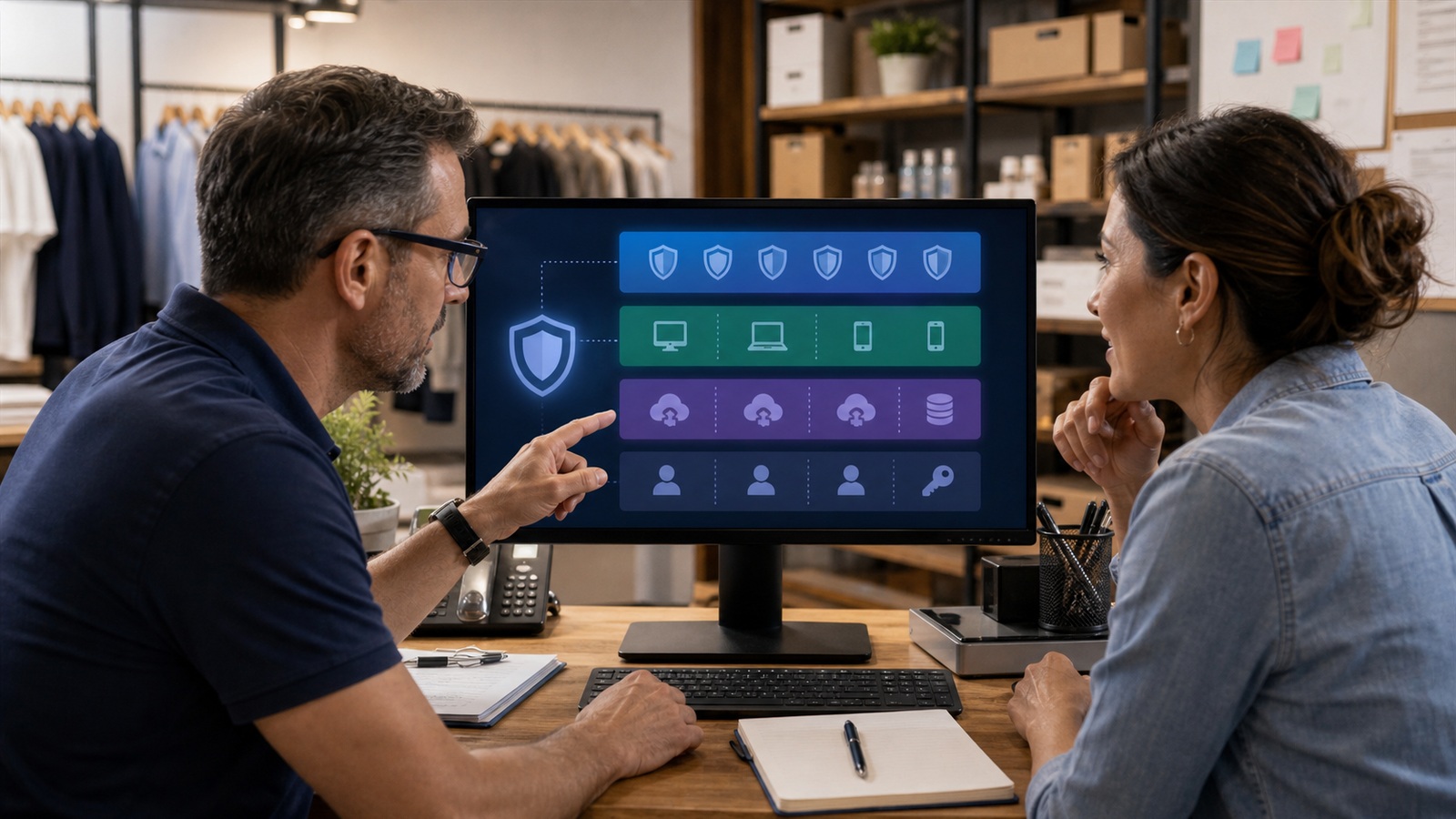
Layered cybersecurity stack diagram for small business
Contents
In-depth guide
You do not need a SOC and SIEM to run a legitimate small business in 2026. You need a coherent stack — identity, endpoints, email, backups — where each layer covers gaps the others leave open. A practical stack covers identity, devices, backups, and human failure — in that order of leverage. You do not need every buzzword product; you need consistent patching, MFA on email, and tested restores before ransomware makes headlines personal.
Layers in priority order
Identity first, endpoints second, email third, data fourth. Skip threat intelligence feeds until basics hold for ninety days.
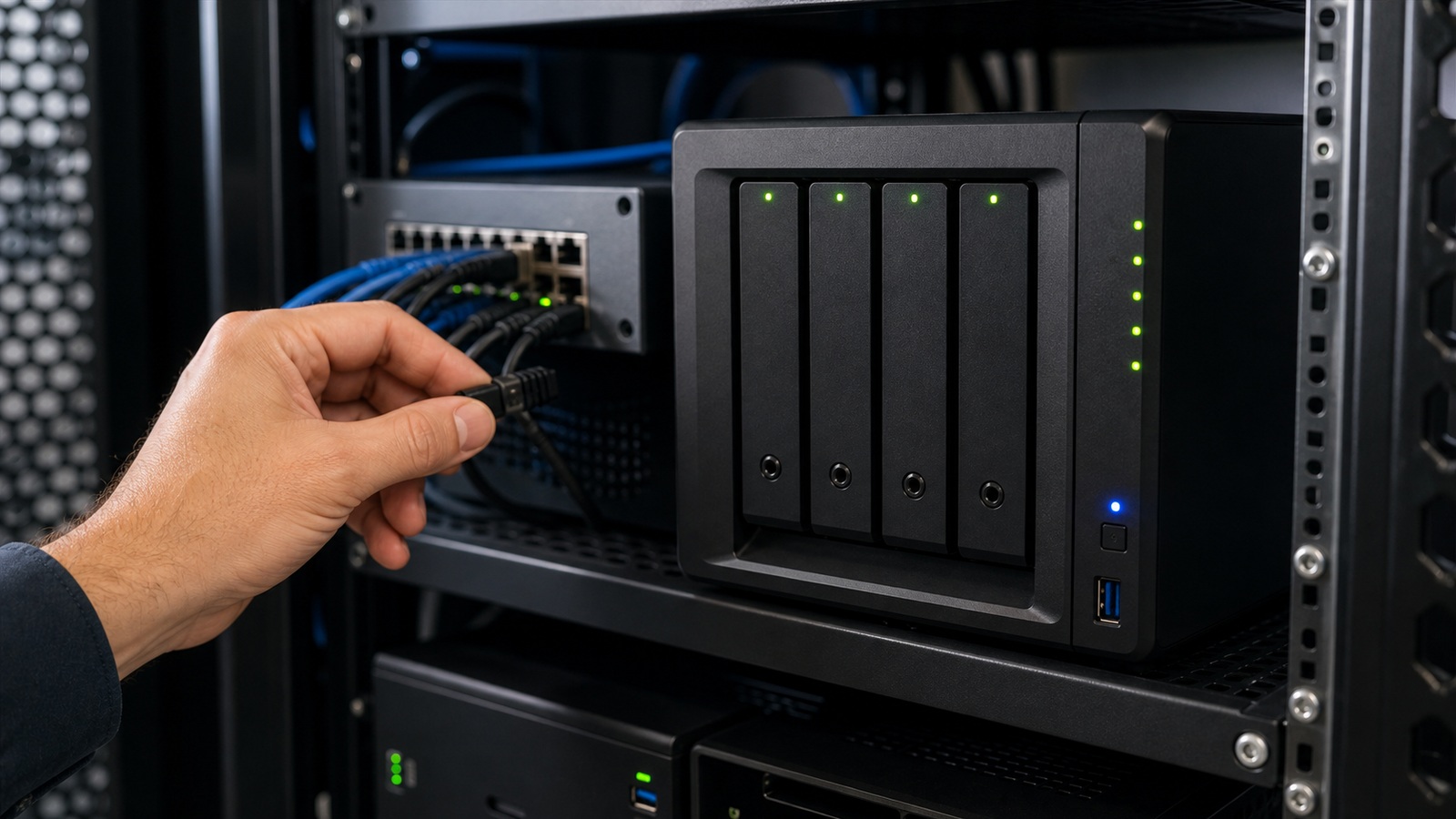
Baseline stack
Baseline: MFA everywhere, managed endpoint protection, modern email filtering, automated backups with tested restores, and a written incident plan.
When compliance enters
SOC 2 or cyber insurance questionnaires push you toward documented policies and vendor reviews. Start documentation early.

Decision roadmap
- 1Identity suite
Login security — Per user
- 2EDR
Endpoints — Per device
- 3Email gateway
Phishing — Per mailbox
- 4Backup service
Recovery — Per TB
Security checklist
- MFA on email and admin accounts is non-negotiable.
- Test backup restores quarterly — silent failures are worthless.
- Centralize identity with Google Workspace or Microsoft 365 defaults.
- Document who to call in the first hour of an incident.
Frequently asked questions
Minimum spend for five employees?
Often $50–150 per user monthly including identity and endpoint — varies by choices.
Need dedicated IT?
Fractional MSP support works until headcount or compliance complexity grows.
Do small businesses need a SIEM?
Usually not until you have dedicated IT staff to respond to alerts. Managed detection services or built-in cloud security suit ten-person teams better than DIY log lakes.
Macs or PCs — does security differ?
Both need patching, disk encryption, and MFA. Mac malware is rarer but not absent; uniform policies beat platform debates.
Incident rehearsal on a budget
Run a tabletop annually: ransomware on Monday morning, leaked credentials, lost laptop at airport. Walk through who calls the insurer, who rotates keys, who talks to customers. Write decisions on one page and store with insurance contacts.
Test backups by restoring a file and a small database quarterly. Backup software reporting green lies often until restore fails. Document restore time — recovery objectives drive tool choices more than marketing RPO numbers.
Keep an incident communication template pre-approved by leadership. During crises, drafting from scratch wastes hours and invites contradictory messages. Log incident rehearsal time saved versus retainer fees before renewing cyber insurance add-ons.
Backups you have actually restored, not just enabled
Backup software that never gets tested is wishful thinking. Schedule quarterly restore drills — pull a random file, rebuild a test machine, verify cloud sync integrity. US small businesses discover too late that sync-only tools are not backups when ransomware encrypts everything including cloud copies connected to the same identity.
Follow the 3-2-1 rule adapted for SaaS-heavy shops: three copies, two media types, one offline or immutable. Microsoft 365 and Google Workspace need third-party backup or export routines; vendor retention is not your disaster plan. Document recovery time objectives honestly — how many days of email loss you can stomach sets budget.
Assign backup ownership to a named person, not "IT" when IT is the owner's nephew sometimes. Logs should email failures automatically; humans ignore silent success icons. Pair backups with MFA and admin role separation so one stolen password cannot wipe primary and backup in the same session.
Sources and further reading
Sources
ToolSkillGuide Editorial
Reviewed for accuracy · Updated Jun 16, 2026
Independent research on software and digital skills for US readers. Updated regularly, structured for real decisions.


Up next
Best VPN Options for Small Business Remote Work